
OpenBase
Your own Airtable. One small server, no subscriptions.
A free, open source database with spreadsheet, kanban, calendar and form views. You run it on a server you control, and your data stays in one folder.
Version 0.1.0. Not yet used in production by anyone but its authors.
What it is
OpenBase is a self-hosted alternative to Airtable for individuals and very small businesses: tables, linked records, formulas, many kinds of views, automations, sharing and an API. The server is a single Rust program with the web app compiled in. The database, uploaded files and backups live in one directory, with no Postgres, no Redis and no Node at runtime.
What you get
Seven views
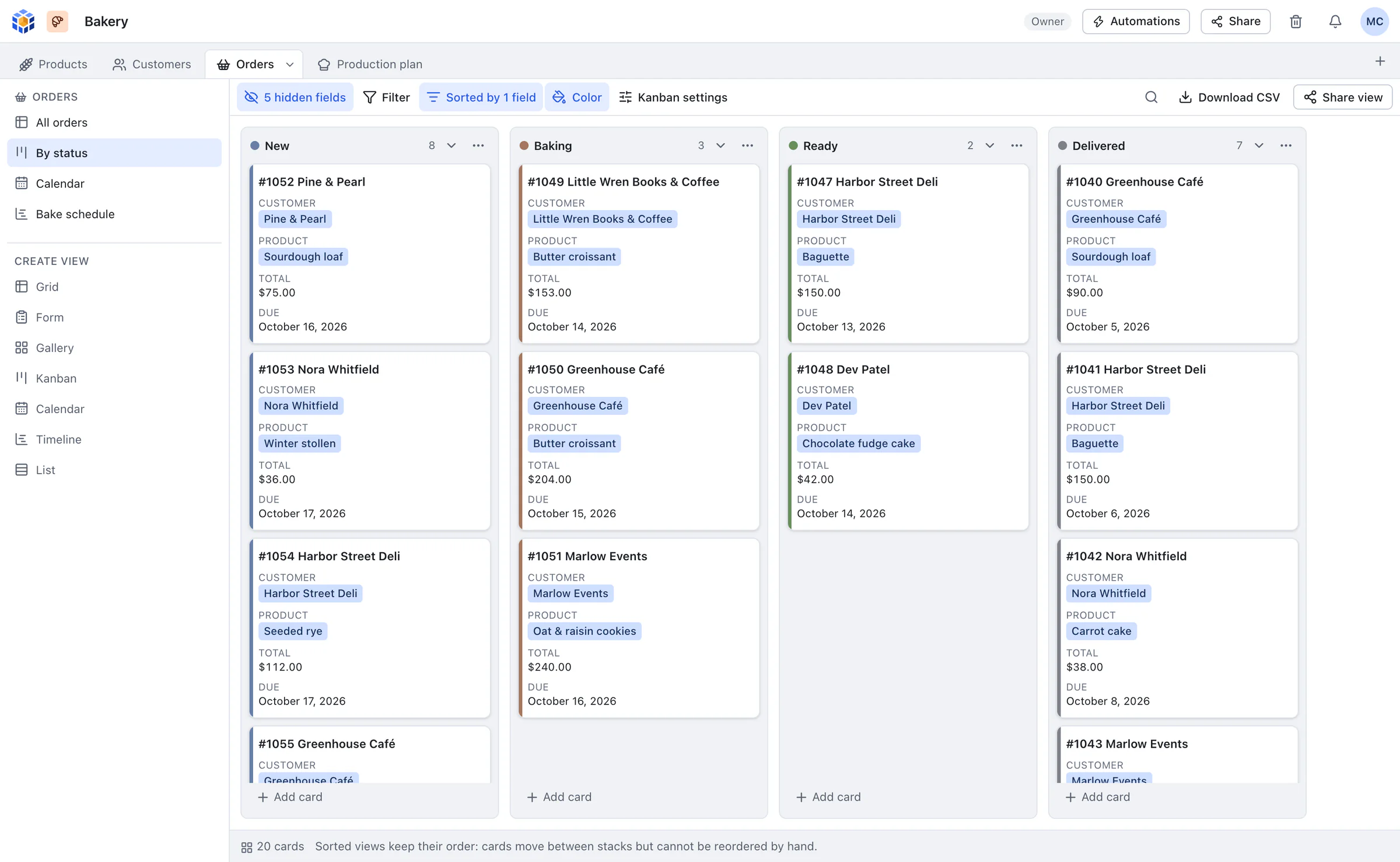
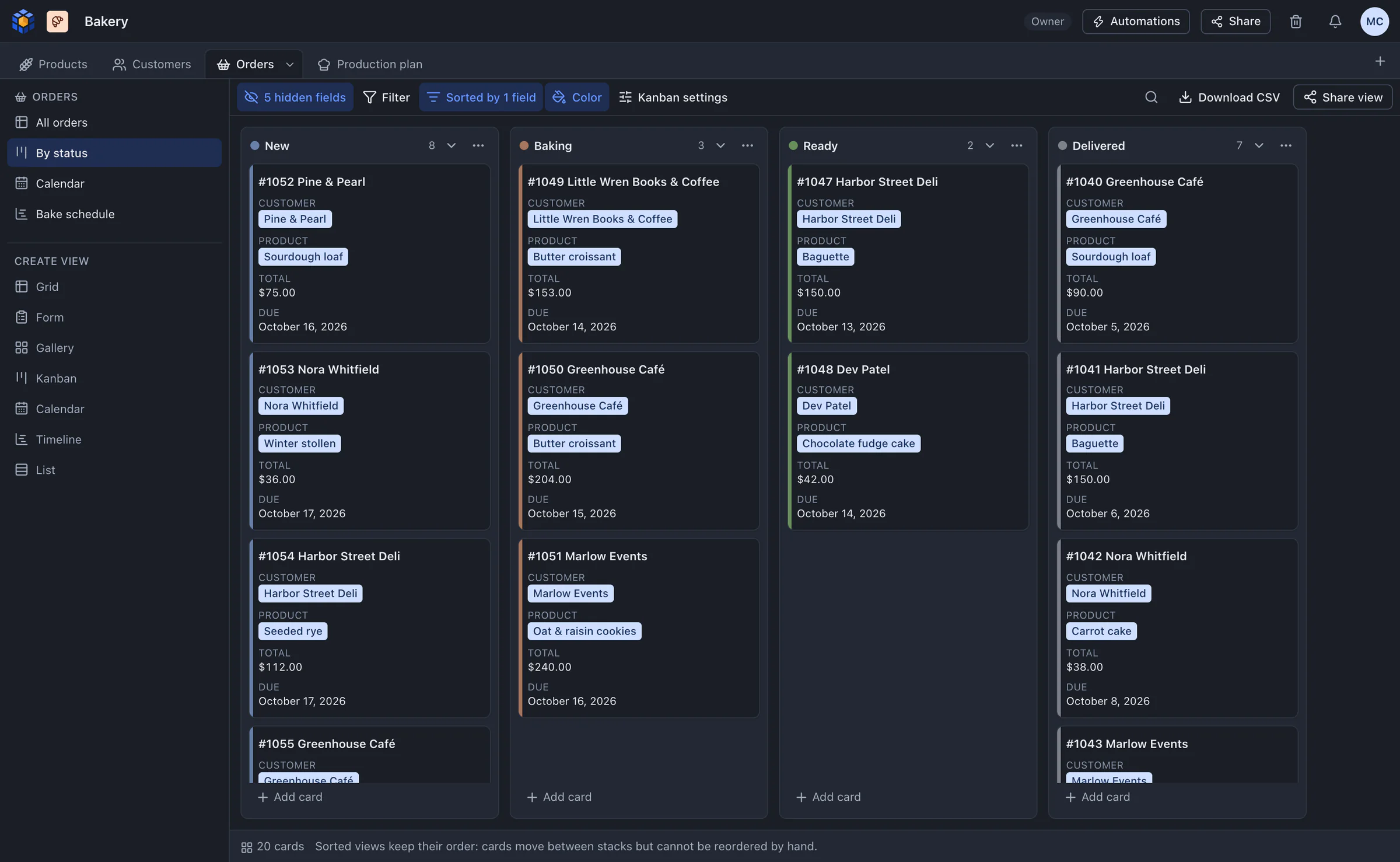
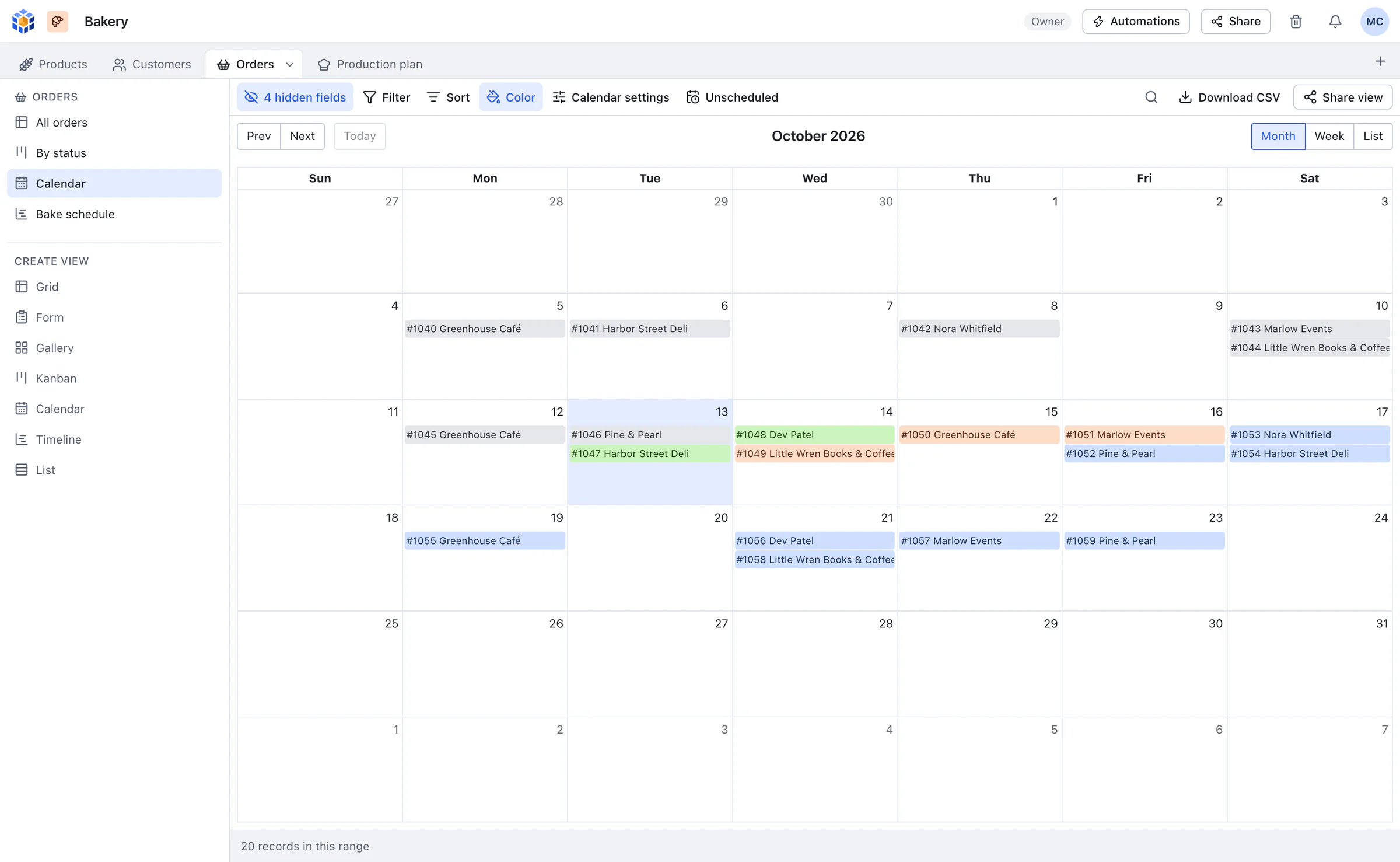
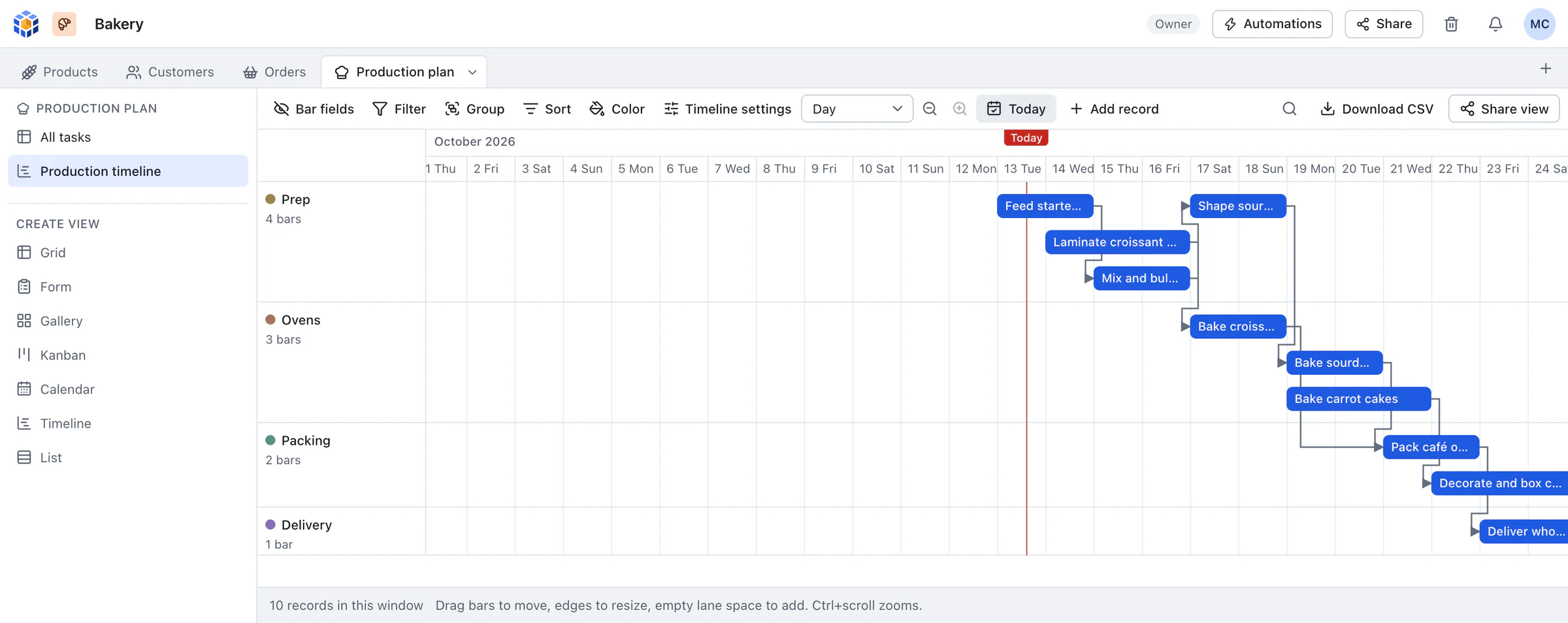
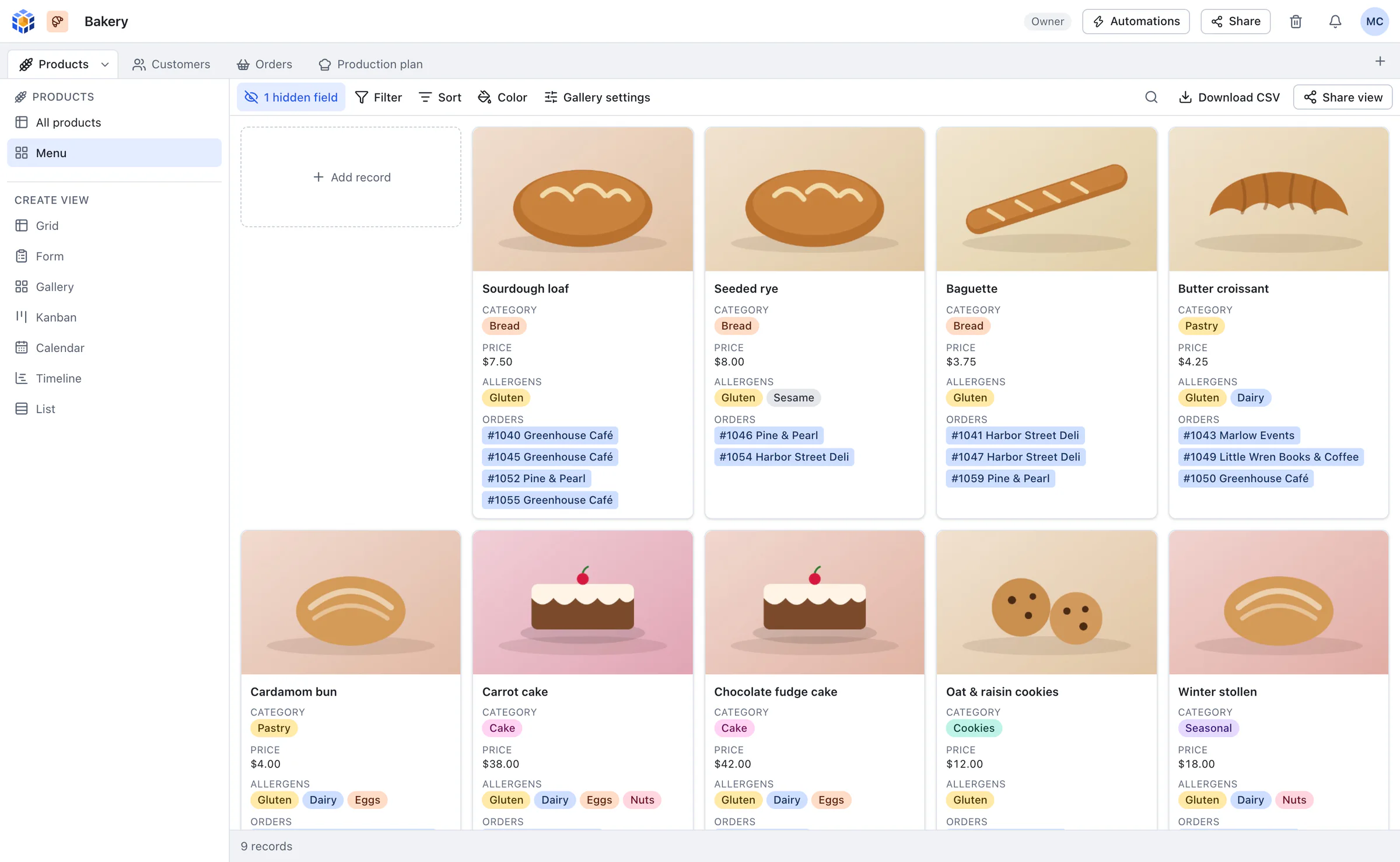
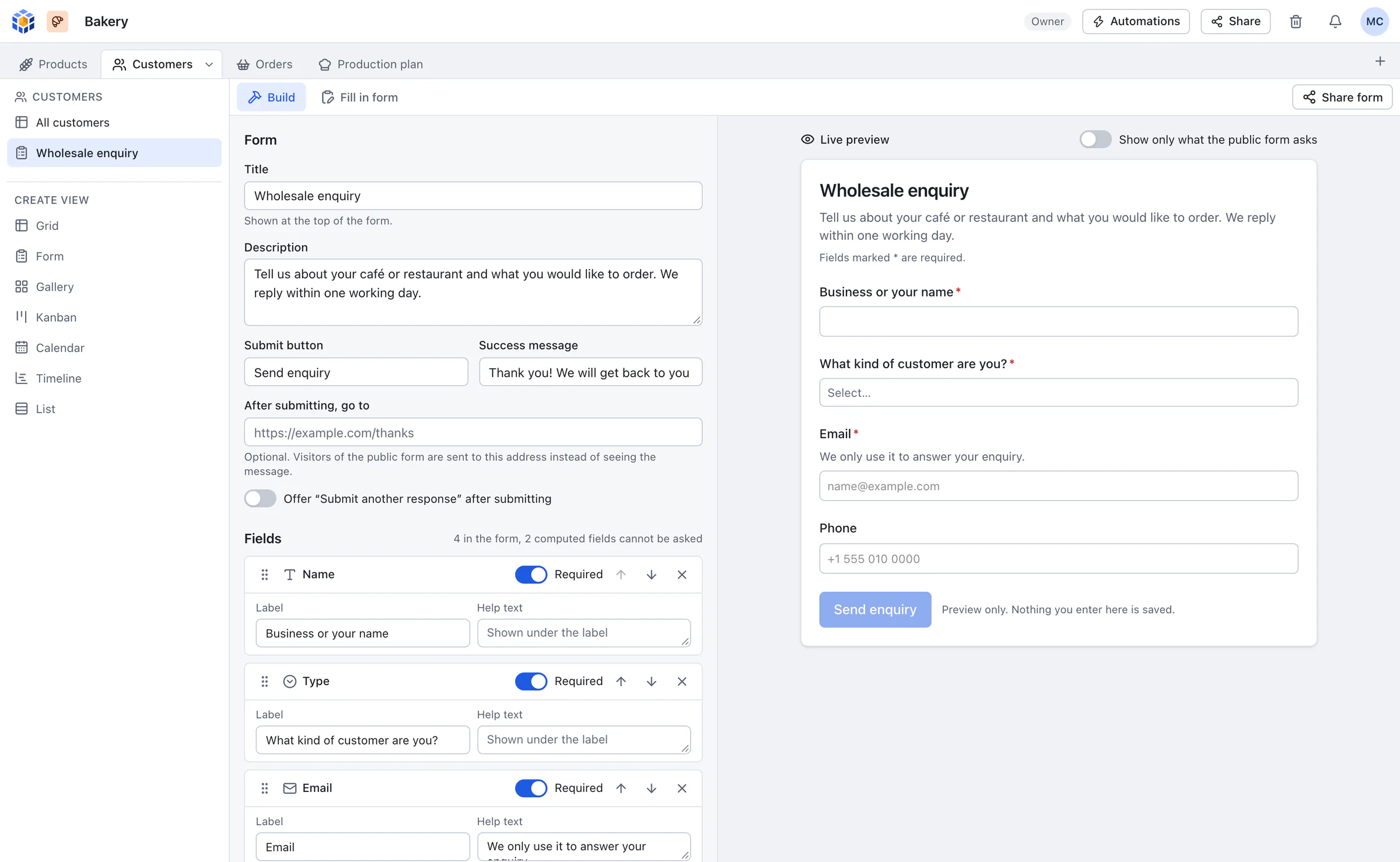
Grid, form, gallery, kanban, calendar, timeline with Gantt-style dependency arrows, and list. Nested filters, sorts, up to three grouping levels, row colours, summaries and CSV export.
28 field types and real formulas
Linked records paired both ways, lookups, rollups, attachments, currency, dates with time zones and more. Formulas use Airtable's syntax and its full function list.
Automations
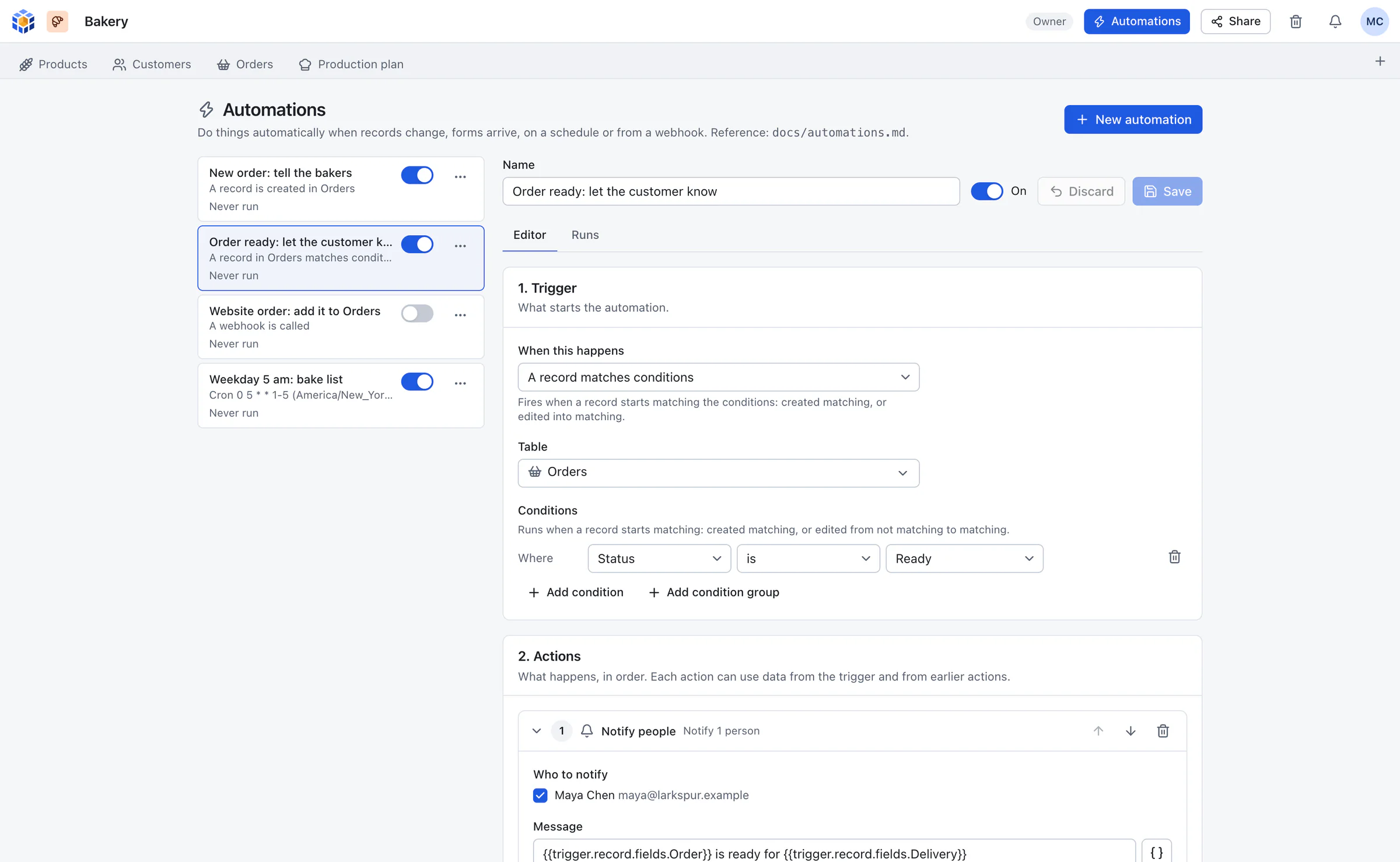
Start from a new record, a change, a form, a schedule or a webhook. Create or update records, send email, call an HTTP endpoint or notify people. Every run is logged and retried.
Real-time collaboration
Edits appear in other open tabs within moments. If two people change the same cell, the last write wins and the record history keeps both versions.
Share links and public forms
Share a read-only view with an optional password, or publish a form that writes straight into a table. Comments, @mentions and per-record history are built in.
Airtable-compatible REST API
A familiar API under /api/v1 with personal access tokens. Airtable clients and n8n, Make or Zapier HTTP steps work once you change the base URL.
Built-in MCP server
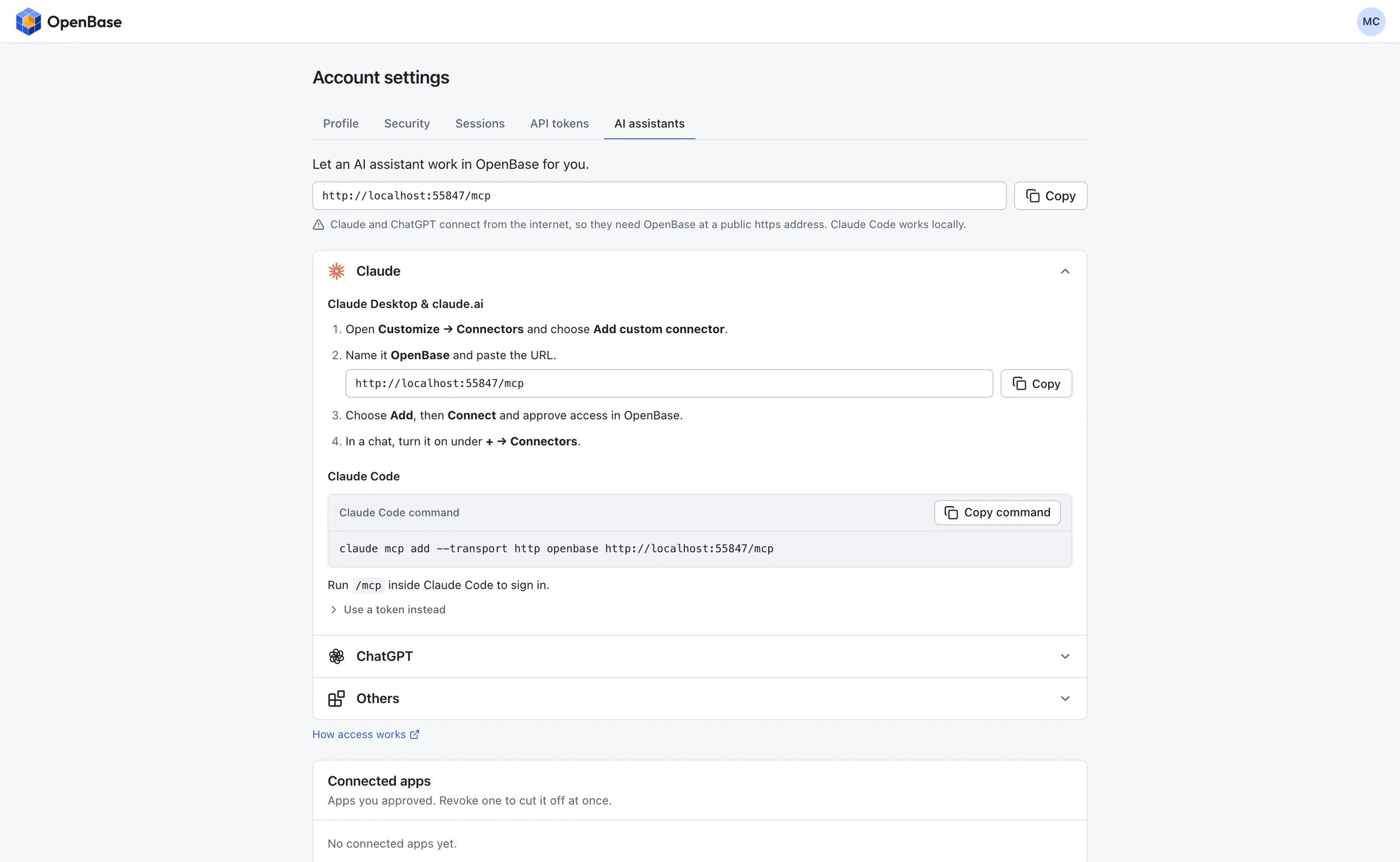
Claude, ChatGPT and other AI assistants can connect by signing in, then build bases, edit records and set up automations for you, with the access you grant: read only, read and edit, or full control.
Passkeys, 2FA and roles
Passkey sign-in, TOTP two-factor authentication, five roles from owner to viewer, per-base sharing, and sessions and tokens you can revoke.
Backups you can restore
A daily automatic backup with retention, a backup and restore command, a snapshot before every schema upgrade, and a trash that keeps deleted items for 30 days.
See it
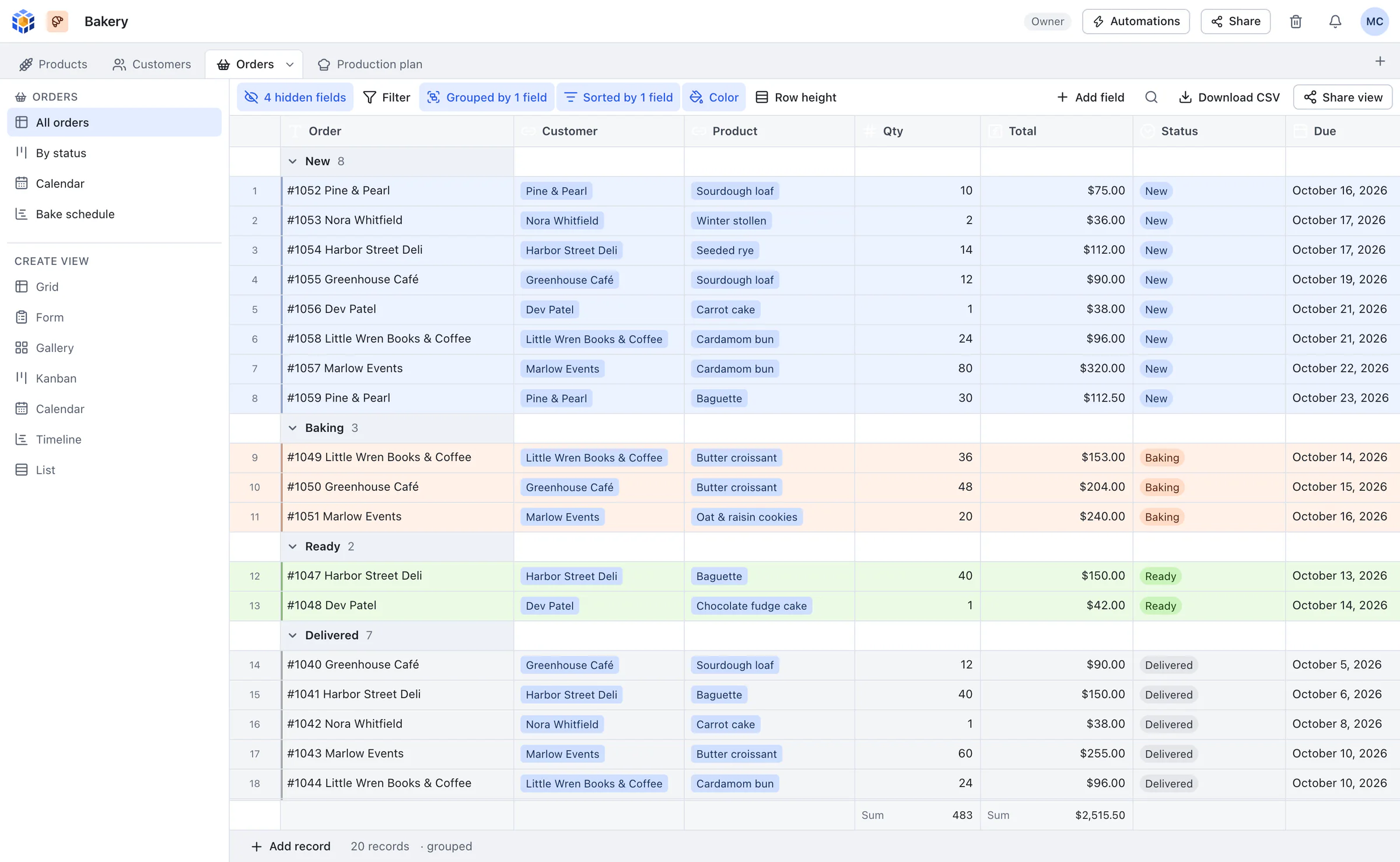
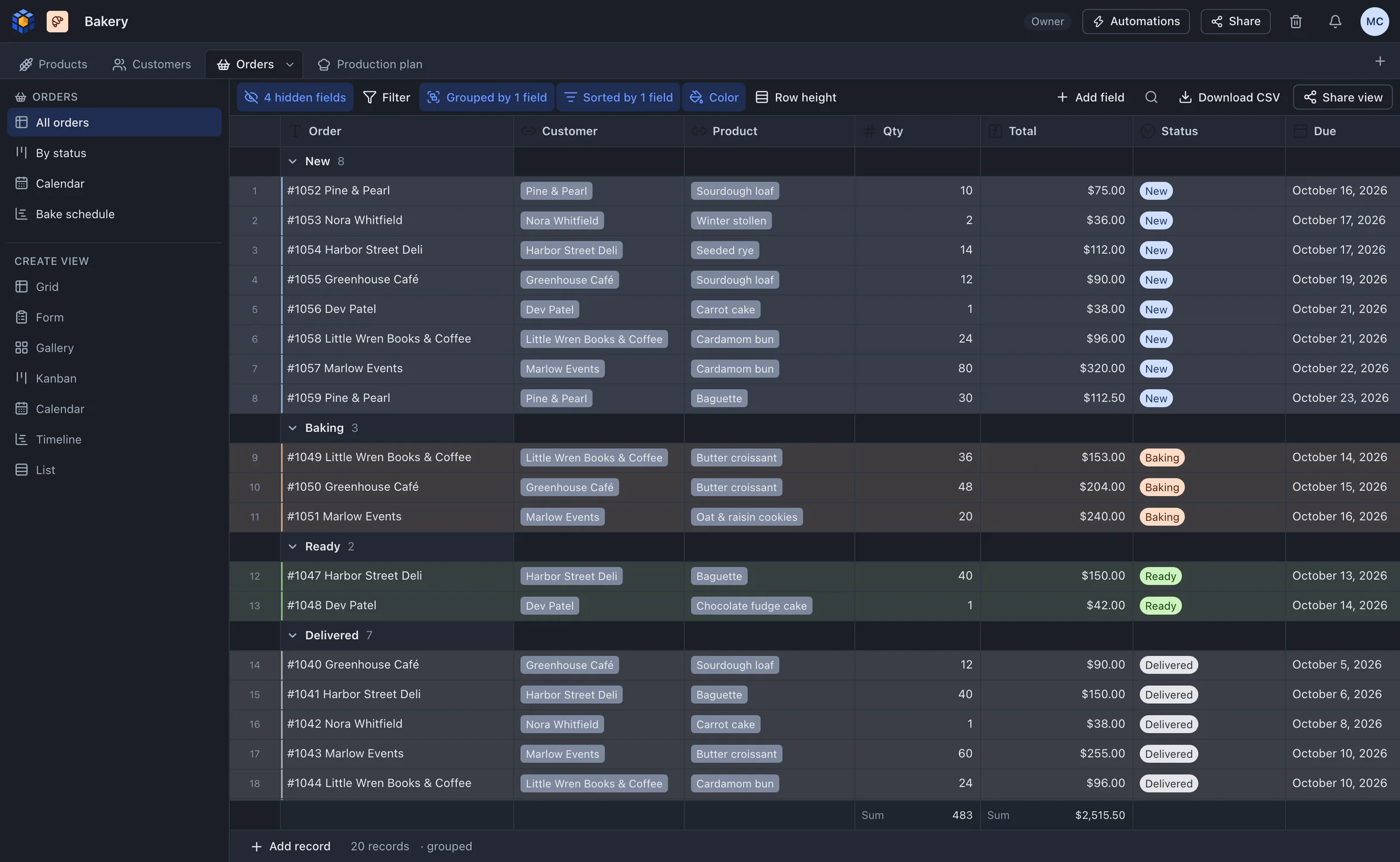
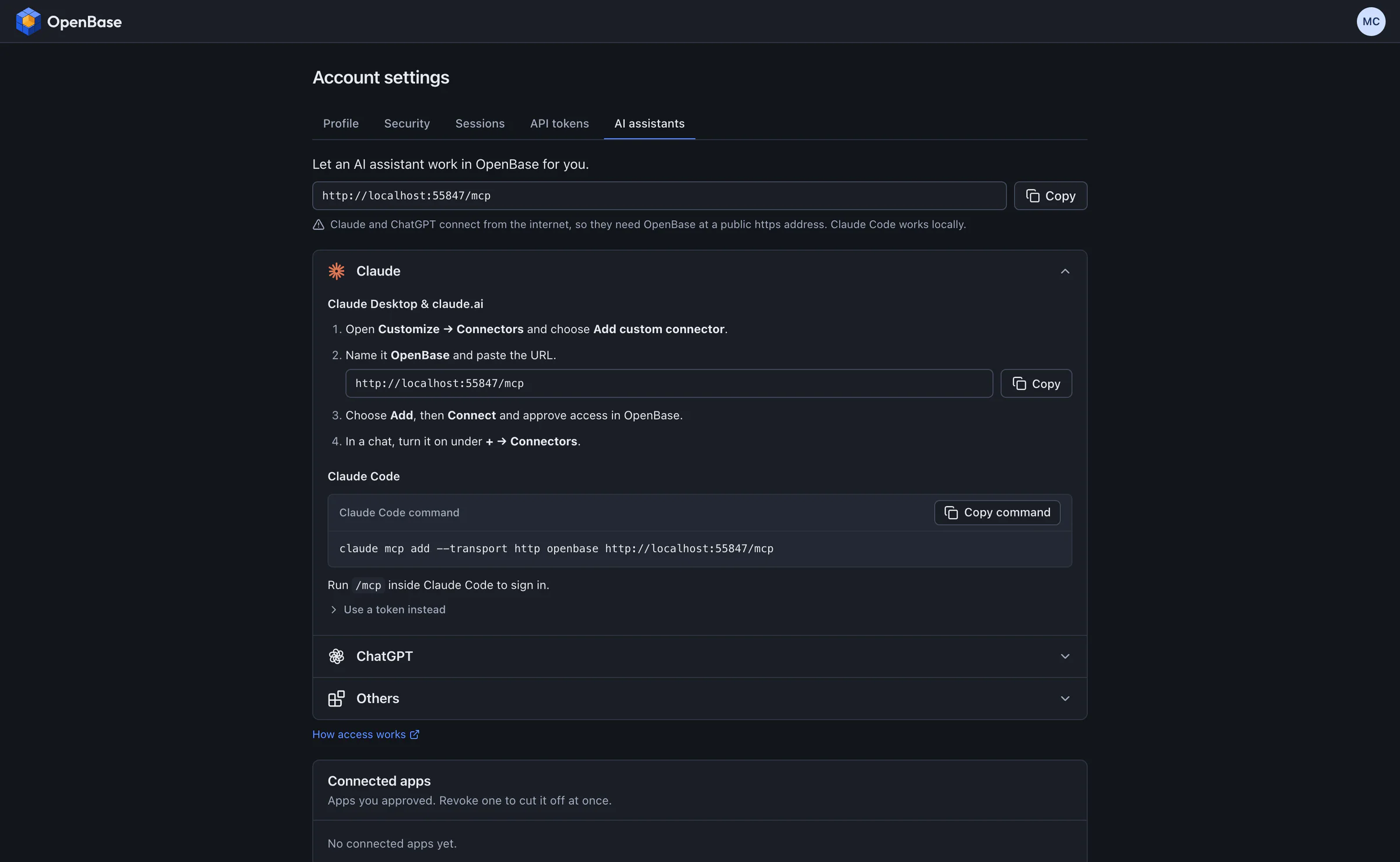
Real screenshots of OpenBase running a small demo bakery. The data is made up.
Runs on a $5 server
OpenBase is built for a 1 vCPU, 1 GB VPS. These numbers are measured, but on a fast laptop (Apple M3 Max, 16 cores, 64 GB), not on a $5 VPS, so treat times as best case.
- Memory, idle
- 17.6 MB
- release binary, right after start
- Memory, 50,000 records
- at most 104 MB
- 11 fields incl. a formula, over HTTP
- Page of 100 rows, cached
- 1.4 ms
- p95, 50,000 records
- Filter and two sorts, cold
- 91-96 ms
- 18,006 matches of 50,000
- Binary
- 26 MB
- web app embedded
- Docker image
- 41.5 MB
- compressed, linux/arm64
Not measured: a real 1 vCPU VPS, 100,000-record tables, 25 simultaneous users, upload-heavy workloads, or an amd64 build. The methods and every caveat are in the README.
No paywalls, no license keys
OpenBase is dual licensed under MIT or Apache-2.0, at your option. There is no paid tier, no feature flags and nothing to activate. Every feature on this page is in the download.
It is also deliberately small. There is no interface designer, no scripting extension, no SSO and no built-in AI: bring your own assistant through the MCP server or the API. The full list, with reasons, is in the README.
Start in a few commands
You need a server with Docker and a domain pointing at it. Caddy gets the HTTPS certificate for you. The first account you create becomes the administrator.
git clone https://github.com/lukewilson2002/openbase.git
cd openbase/deploy
cp .env.example .env        # set OPENBASE_DOMAIN=base.example.com
docker compose up -d
That pulls the official image, ghcr.io/lukewilson2002/openbase, for amd64 or arm64. To update later, run docker compose pull && docker compose up -d. The quickstart covers DNS, the first admin, backups and connecting an AI assistant.